
Make focus the default, not the fight.
Pre-commit to study blocks your 1 AM self has a much harder time negotiating away. Decide when you're sharp, and let the app hold the line when you're not.
Coming soon to iPhone, iPad, and Android.
The honest part
Notifications win every willpower contest.
One glance at a feed turns a study block into an hour gone. The intention to focus is real, but it's no match for an app that's one tap away. QuitScrolling makes caving cost more than the scroll is worth.
What changes
Study blocks that actually stick.
Real focus windows
Schedule study and exam-season blocks, or start a focus lock on demand when you need to get a chapter done.
Commitment that holds
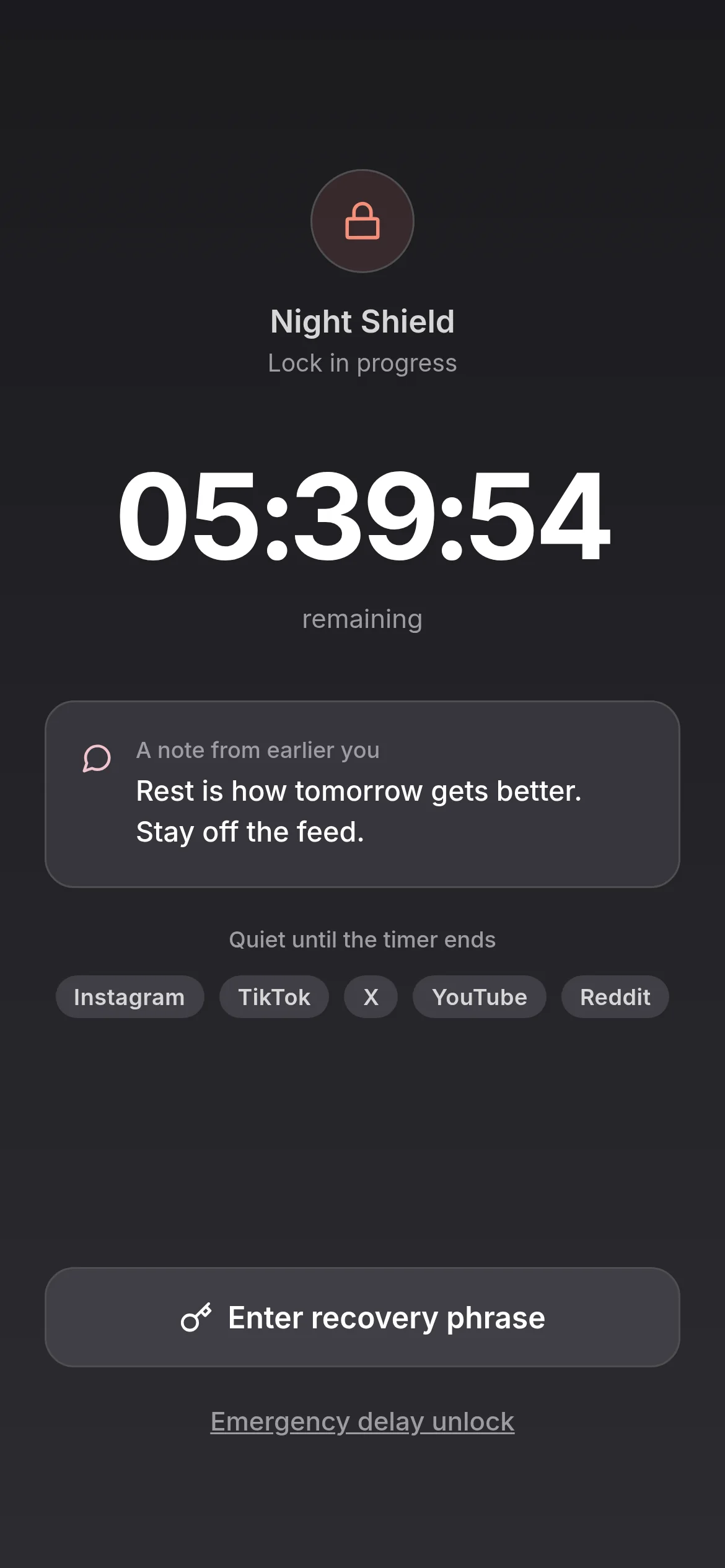
Breaking a lock early means finding your paper recovery phrase, friction strong enough to keep you in your seat.
Emergencies get through
Calls and essential functions are never blocked, so you stay reachable while the distractions stay closed.
How a focus block works
Commit first, study second.
- 1
Pick your apps and window
Choose the apps that derail you and the hours you want them gone, recurring or one-off.
- 2
Start the lock
The distractions close and a countdown begins. Nothing to police, nothing to resist tab by tab.
- 3
Coast through to the end
If you reach for a blocked app, the recovery-phrase friction usually ends the impulse before it starts.
Frequently asked questions
Why studying loses to scrolling.
The textbook is novel for a chapter. The feed is novel forever. When the brain has both available, it takes the one that pays back faster. That's not a failure of discipline. It's how reward learning works. The fix isn't motivation; it's making the lower-reward option less available during the windows that matter.
How QuitScrolling helps during study and exam season.
- Schedule study locks for evenings, exam weeks, or specific class blocks.
- Calls, messages, and study apps stay accessible. The feed doesn't.
- Optional accountability partner can be a study partner, a parent, or a friend who knows what you're working on.
Your next step in The Shrink Network
You are here: QuitScrolling, the attention layer of The Shrink Network.
Each site in the network has one job. No matter where you enter, we help you find the next step that makes sense.
Get started with QuitScrolling
Want to understand more first?