
How it works
Emergency access stays open. Impulse access gets hard.
QuitScrolling is built on one idea: make the decision when you're clear-headed, and make caving inconvenient when you're not. Here's exactly how the mechanism works.
Why it works
Common sense, not psychology jargon.
Why most blockers fail
Most blockers assume you'll make good decisions when you're tired. Unfortunately, nighttime is exactly when self-control is weakest, and that's the moment they hand you a one-tap override.
The problem isn't awareness
People already know they should stop scrolling. The problem is that when temptation arrives, escape is usually one tap away. Knowing better has never been the hard part.
Friction changes behavior
QuitScrolling puts intentional friction between an impulse and an action. You decide the boundary while you're clear-headed, so the tired version of you has to do real, deliberate work to undo it, and that pause is often enough to change what happens next.
The mechanism
Three steps, one principle.
Pre-commit by day
While you're thinking clearly, choose which apps to block, when, and how strict the lock should be. This is the only moment your decision is easy, so it's the moment that counts.
The lock activates on schedule
When your protected window starts, the apps you chose go quiet automatically. There's nothing to toggle or remember in the moment of temptation.
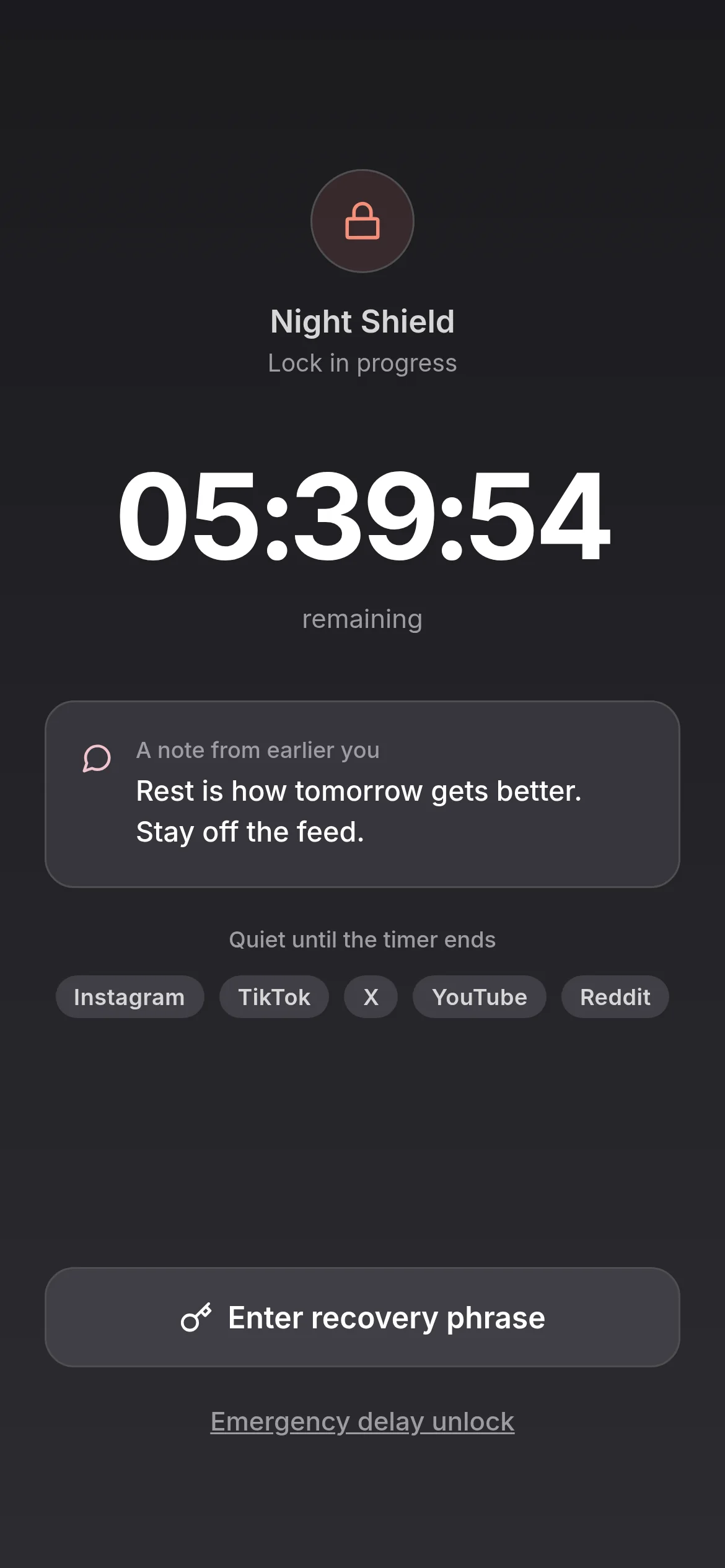
Impulses meet real friction
Reaching for a blocked app doesn't fail silently. It asks for your paper recovery phrase or a timed emergency delay. The effort is the point: it gives your better judgment time to win.
The recovery phrase
When you create a commitment or deep lock, the app shows you a random five-word phrase, once, to write on paper. To end the lock early you have to retrieve that paper and type the phrase. Getting out of bed to find it is usually enough to make you reconsider. It's stored only as a salted, one-way hash. We can't read or recover it.
The emergency delay unlock
If you've lost your phrase or genuinely need out, the emergency delay unlock is always available: type a confirmation sentence and wait out a short delay. It's a deliberate, inconvenient escape hatch, enough to keep you in control without making impulsive unlocking easy.
Choose your level
Three strictness levels.
Soft
A delay unlock. Wait out a short timer to get back in. The lightest level, and the only option for ad-hoc sessions without a saved schedule.
Commitment
Backed by a recovery phrase you wrote on paper. Ending early means physically retrieving it and typing it in.
Deep
The strongest boundary, for the nights you most want to protect. Designed to make an impulsive unlock significantly more difficult.
What's never blocked
Emergency calling and essential functions stay available at all times. QuitScrolling adds friction to the distracting apps you choose. It does not lock down your whole phone.
You stay in control
There is always a deliberate way out. The aim is to make impulsive unlocking significantly harder, never to trap you, and never to replace your own judgment.
Common questions
Set the boundary while it's easy.
Your clear-headed self decides. The app holds the line.
Want backup? See how accountability works
Your next step in The Shrink Network
You are here: QuitScrolling, the attention layer of The Shrink Network.
Each site in the network has one job. No matter where you enter, we help you find the next step that makes sense.
Get started with QuitScrolling
Want to understand more first?