
How to stop scrolling in bed and actually fall asleep
Published Last reviewed 5 min read
Quick answer
Scrolling in bed keeps your mind engaged and pushes your sleep later, which is why you can feel exhausted and wired at the same time. The most reliable fix is to keep the phone out of arm's reach, decide on a wind-down time in advance, and add a small obstacle so reaching for the feed is no longer automatic. You do not need perfect discipline, just a setup that makes putting the phone down the easy default.
Key takeaways
- Two things happen when you scroll in bed.
- You do not need an elaborate ritual.
- Notice the reach without judging it.
- QuitScrolling is designed for exactly this moment.
Why scrolling in bed makes sleep harder
Two things happen when you scroll in bed. First, engaging, emotionally activating content keeps your brain switched on when it should be powering down. Second, every minute spent scrolling is a minute you are not asleep, which quietly erodes your total rest. The CDC recommends adults get at least seven hours, and "I'll just check my phone for a minute" is one of the most common ways that target slips away.
The bed also becomes a place your brain associates with alert, stimulating activity rather than sleep, which can make winding down harder over time.
A simple wind-down routine
You do not need an elaborate ritual. A few small changes do most of the work:
- Charge the phone across the room. This is the single highest-leverage change. It turns "one more swipe" into "get out of bed," which is usually enough to stop.
- Pick a feed-close time and set it in advance. Decide when the distracting apps go quiet while you are clear-headed, not in the moment.
- Add friction to the apps that keep you up. Make opening them take a deliberate step, so the habit loop gets interrupted.
- Give your hands something else. A paper book, a notebook, or simple stretches give you a low-stimulation alternative to the scroll.
- Keep alarms and calls available. If you use your phone as an alarm, you do not need to banish it entirely, just the distracting apps. Essential functions can stay on.
- Dim the room and your screens. Lower light in the last hour signals your body that the day is ending.
What to do when you are already in bed and reaching for it
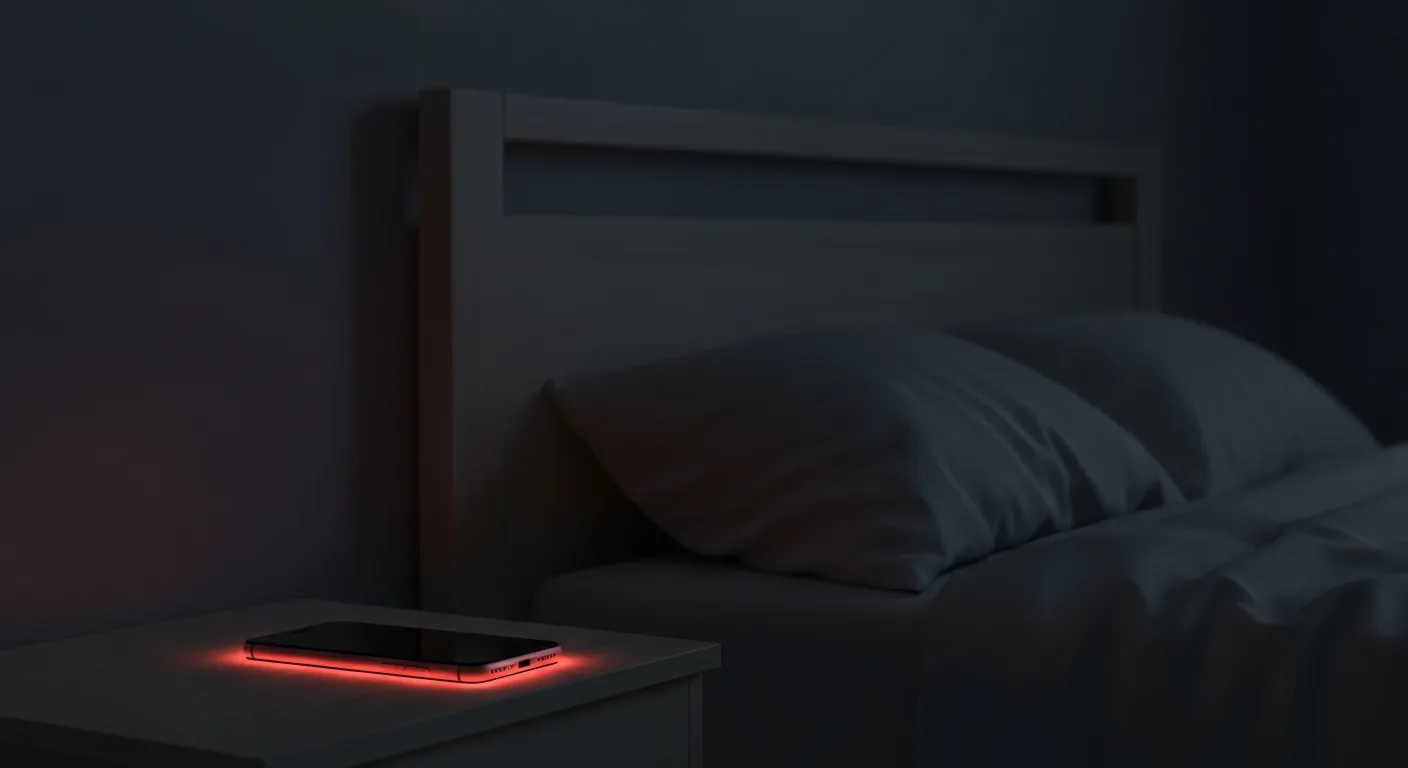
Notice the reach without judging it. Then make the smallest possible move that interrupts it: put the phone face down on the far nightstand, or out of reach entirely. If a boundary tool asks you to take a deliberate step before unlocking, let that pause do its job. The goal is not to never want the phone. It is to make wanting it not automatically lead to using it.
Where QuitScrolling fits
QuitScrolling is designed for exactly this moment. You set the boundary earlier, and when you reach for a blocked app at night, you meet real friction instead of a one-tap override, while calls, alarms, and essential functions keep working. It is a digital wellness tool, not a sleep treatment, but it removes the most common reason people stay up: the effortless scroll.
Frequently asked questions
Will putting my phone down actually help me sleep?
It removes a major reason people delay sleep, but it is not a medical treatment, and other factors affect sleep too. If you consistently struggle to fall or stay asleep even without your phone, consider talking to a clinician.
Can I still use my phone as an alarm?
Yes. The most useful approach blocks only the distracting apps you choose and leaves your clock, alarm, and essential functions available. Even better, charge it across the room so the alarm also gets you out of bed.
I put the phone down but my mind keeps racing. What now?
That is common, especially after a stimulating scroll. Low-stimulation activities like reading or slow breathing can help. If racing thoughts at night are frequent and distressing, it may be worth discussing with a clinician.
Should I keep my phone out of the bedroom entirely?
For many people that's ideal. If you rely on it as an alarm, a separate alarm clock or charging it across the room gets most of the benefit.
How long before bed should I stop using my phone?
Aim for 30 to 60 minutes. The apps that keep you engaged matter more than the screen itself, so closing those is the priority.
Does reading on my phone count as winding down?
It can be gentler than feeds, but the temptation to switch to apps is one tap away. Paper or an e-reader avoids that pull.
Why do I feel tired but wired at night?
Stimulating content keeps your mind activated while your body wants rest. Lowering stimulation in the last hour helps the two line back up.
What if my partner scrolls in bed and it bothers me?
Agree on a shared wind-down boundary. It's easier to keep when it applies to both of you. See our guide on household phone boundaries.
Related
Medically reviewed
Board-certified psychiatrist. Articles are reviewed before publication and again when materially updated. Last reviewed June 12, 2026.
Reviewed against our editorial standards and evidence methodology.
Verify independently: ORCID, Wikidata, NPI Registry, and verification file.
Evidence context
Educational context. This label does not rate every claim as strong or emerging. Review the linked sources and our methodology for the evidence behind specific claims.
How to cite this page
Select any field to copy it. Access dates may be added when required by your style guide.
Medically reviewed by Shariq Refai, MD, MBA, FAPA. Last reviewed June 12, 2026. QuitScrolling is a productivity and digital wellness tool. It is not medical advice, and it is not a substitute for care from a qualified clinician.
Sources
CDC, "About Sleep" and adult sleep recommendations; American Academy of Sleep Medicine guidance on sleep and evening device use; Kroese et al., Frontiers in Psychology, 2014.
Terms in this article
Definitions from Shrinktionary, the network's language layer: doomscrolling, insomnia.
Also on Shrinkopedia
QuitScrolling is a tool for one specific behavior. If you want to understand why attention works the way it does, Shrinkopedia is the network's reference for the underlying concepts.
Your next step in The Shrink Network
You are here: QuitScrolling, the attention layer of The Shrink Network.
Each site in the network has one job. No matter where you enter, we help you find the next step that makes sense.
Get started with QuitScrolling
Want to understand more first?