
Commitment technology for focus.
Block the apps that fracture your attention, with friction strong enough to matter. Protect the deep work your in-the-moment self keeps trading away.
Coming soon to iPhone, iPad, and Android.
The honest part
A single tab switch can cost you the whole hour.
Deep work is fragile. The pull to 'just check something' fractures it, and recovering focus takes far longer than the glance did. Soft reminders don't hold; a real boundary does.
What changes
Protect the work that needs an unbroken hour.
Guard your attention
Close the apps that interrupt flow for the block of time you set, so deep work gets a clean runway.
Friction that holds
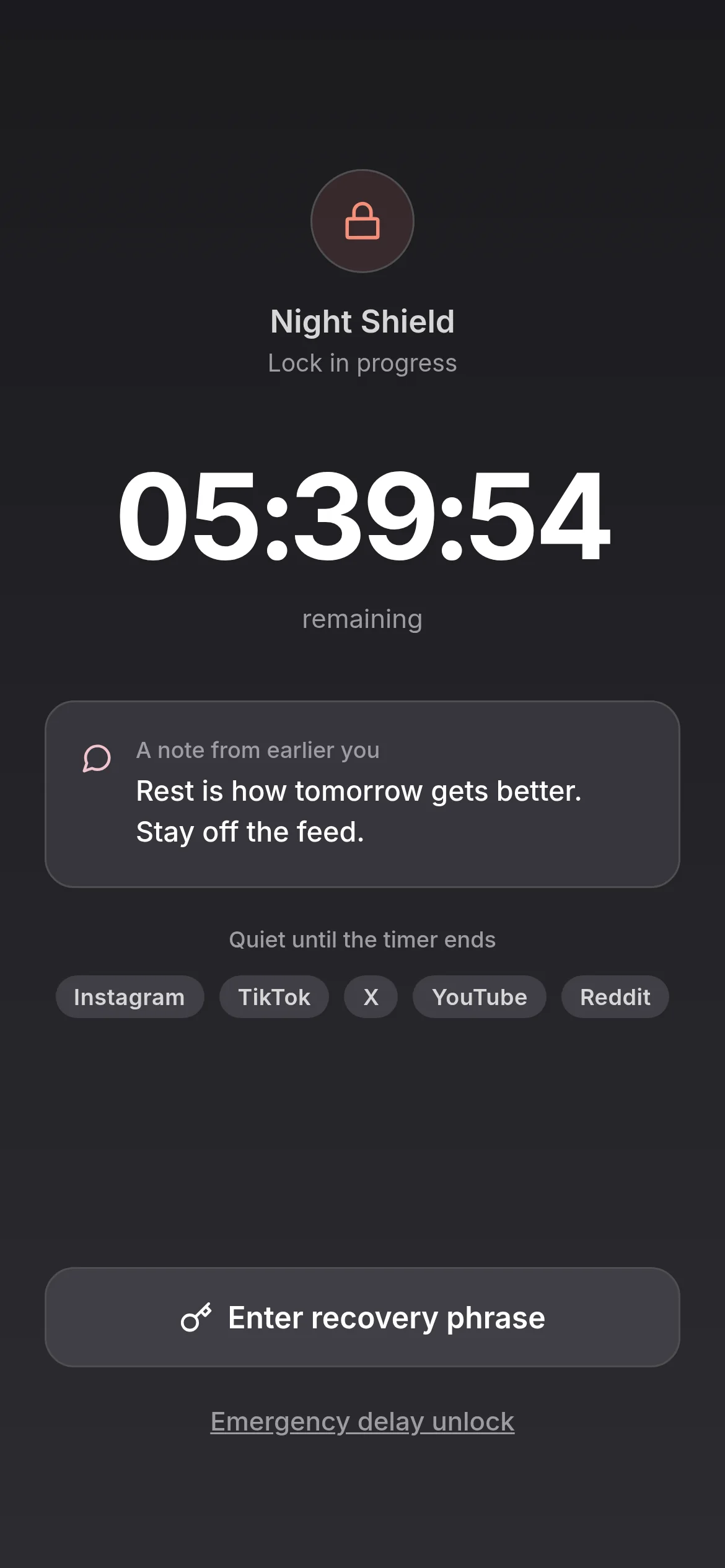
Ending a commitment lock early takes a paper recovery phrase, so a momentary urge doesn't undo your session.
Stay reachable
Calls and essential functions are never blocked. You disappear from the feed, not from the people who need you.
How a focus session works
Set the boundary before you start.
- 1
Choose your distractions
Pick the apps that pull you out of flow and the length of your focus window.
- 2
Start the lock
Those apps go quiet and a countdown runs. No tab-by-tab discipline required.
- 3
Finish what you started
If you reach for a blocked app, the recovery-phrase friction is usually enough to send you back to the work.
Frequently asked questions
What focus actually breaks under.
Focus doesn't usually fail because the work is too hard. It fails because the phone is too close. Every time the work gets boring or hard, the phone offers a small reward, and the brain takes it. By the end of the day, those interruptions can add up. Phone interruptions are one possible source of trouble focusing, not an explanation for every attention difficulty.
Trouble focusing does not, by itself, mean you have ADHD. QuitScrolling helps you set phone boundaries; it does not diagnose or treat ADHD. For the reference explainer on ADHD as a diagnostic entity, see Shrinkopedia.
How QuitScrolling protects deep work.
- Schedule a focus lock around your real working hours.
- The feed apps get the friction; Slack, email, and the tools you actually need don't.
- Optional accountability partner sees only whether you held the boundary, never your screen.
Your next step in The Shrink Network
You are here: QuitScrolling, the attention layer of The Shrink Network.
Each site in the network has one job. No matter where you enter, we help you find the next step that makes sense.
Get started with QuitScrolling
Want to understand more first?
Also on Shrinkopedia
QuitScrolling is a tool for one specific behavior. If you want to understand why attention works the way it does, Shrinkopedia is the network's reference for the underlying concepts.
Give your next deep-work block a real boundary.
Commit while you're motivated.